
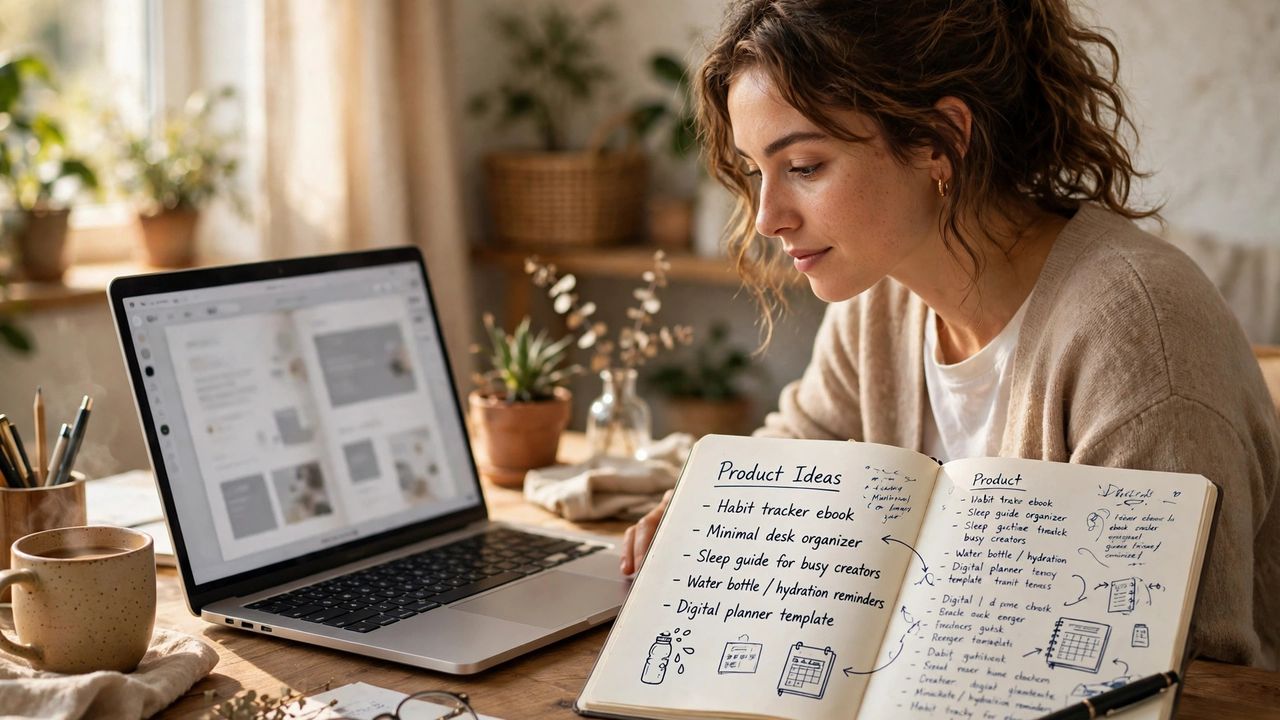
Hey, this is Golam. If you want to learn how to make money selling digital products, you are in the right place. I will explain the whole thing in very simple words, step by step, so you can start even if you have no shop, no stock, and very little money.
Here is why I like this idea so much for beginners. You make a product one time, on your laptop, and then you can sell that same file again and again. There is nothing to pack, nothing to ship, and nothing to store in your house. A teacher I know sells a simple study checklist from her home desk. She made it in one weekend, and now it sits in her online shop, ready for any buyer, day or night.
In this guide, I will show you what a digital product is, eight simple products a beginner can make, how to check your idea before you build it, where to sell, how to price it, and how to get your first sales without ads. If you are brand new to earning online, my guide on how to make money online for beginners with no experience is a good place to start first. Let us begin.
What Is a Digital Product? (And Why Beginners Like Them)
A digital product is something you sell as a file, not as a physical thing. The buyer pays online, gets a download link, and the product arrives in seconds. Think of an ebook, a printable planner, a checklist, a spreadsheet, or a small pack of designs. There is no box, no parcel, and no trip to the post office.
Beginners like digital products for a few clear reasons:
- You make it once. You do the work one time, and the same file can be sold many times.
- No stock. You never buy boxes of products that sit unsold in your room.
- No shipping. The website sends the file for you, even while you sleep.
- Low cost to start. Most beginner products can be made with free tools on a normal laptop.
- You can start small. Your first product can be one simple page that solves one small problem.
Let me give you a simple example. A printable weekly meal planner is just one nice page that helps a busy parent plan dinners. You design it once. If 10 people buy it at $7 each, that is $70 from work you did one time. That is the simple math behind digital products. Of course, sales are never promised, and results are different for every person. But the idea is easy to understand, and that is why so many beginners start here.
8 Digital Products a Beginner Can Make
You do not need to be an expert or a famous person. You only need one small skill, one hobby, or one problem you have already solved for yourself. Here are eight beginner-friendly ideas.
1. Checklists
A checklist is a step-by-step list that helps someone finish a task without forgetting anything. Moving-house checklists, cleaning checklists, exam-study checklists, and new-baby checklists all sell well. You can make one in a document in an afternoon. Keep it clean, simple, and easy to print.
2. Templates
A template is a ready-made file that a buyer fills in. Resume templates, invoice templates, social media post templates, and business letter templates are all popular. The buyer saves hours because the hard design work is already done. If you are good with documents or slides, this is a great first product.
3. Planners and Printables
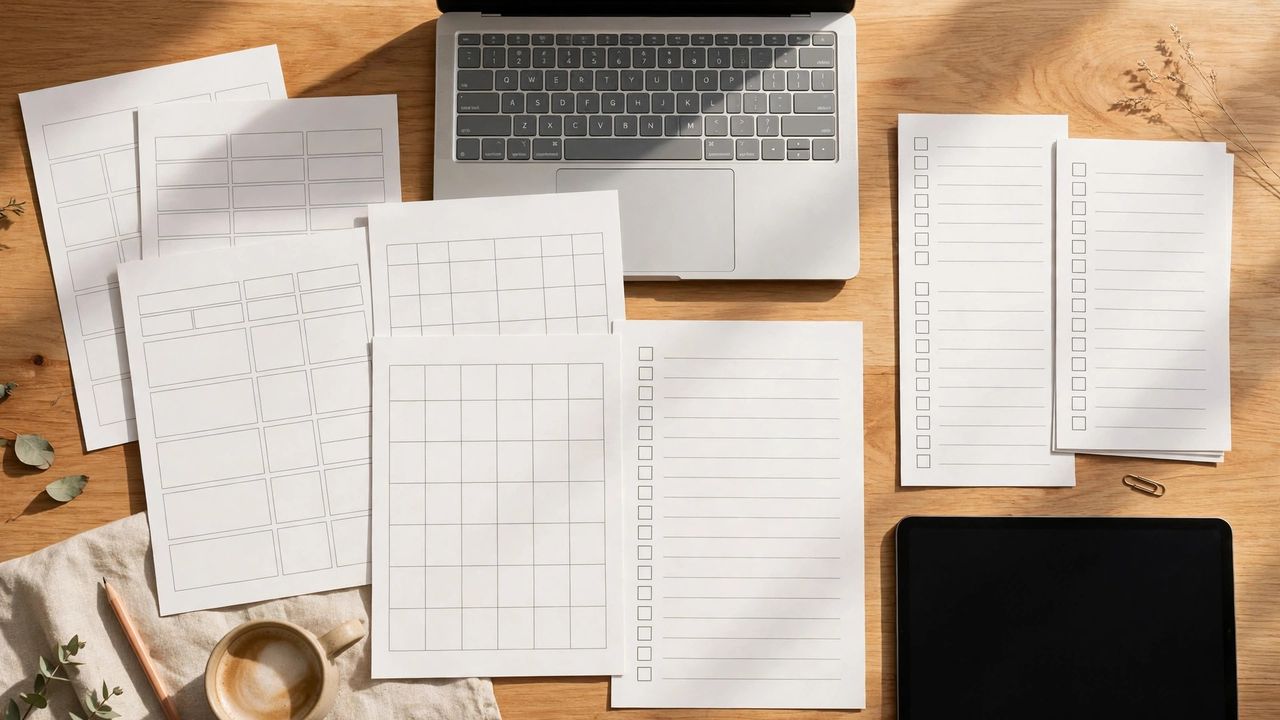
Printables are pages people download and print at home. Daily planners, budget planners, habit trackers, and meal planners are classic examples. They are simple to make, fun to design, and easy for buyers to understand. One clear page that solves one daily problem is enough to start.
4. Ebooks and Simple Guides
An ebook is just a helpful guide saved as a file, usually a PDF. It does not need to be long. A clear 20-page guide that solves one real problem can be a fine product. If writing a book sounds big, start with a short guide on something you know well. Some beginners also use smart writing tools to help them plan and polish their books — my Self-PublishMistry AI review shows one tool made for that job.
5. Spreadsheets
A spreadsheet product is a ready-made sheet that does maths for the buyer. Budget trackers, rent calculators, study planners, and small business price calculators are good examples. If you enjoy numbers, this is a quiet but strong niche, because people happily pay for a sheet that saves them time and mistakes.
6. Prompt Packs for AI Tools
A prompt is the instruction you type into an AI tool to get a good result. Many people use AI tools now, but they do not know what to type. A pack of ready prompts — for writing, marketing, study, or design — saves them hours of trial and error. If this area is new to you, read my simple guide on how to make money with AI tools first.
7. Wall Art and Designs
Wall art is a design file that buyers print and frame themselves. Simple quotes, kids’ room pictures, and kitchen prints are popular. You do not need to draw by hand — many beginners create designs with easy design tools or AI image tools. My MagicCanvas review covers one beginner-friendly tool for making images like these.
8. Mini Video Courses
A mini course is a small set of short videos that teach one skill. It can be five videos of ten minutes each, recorded on your phone or with a simple screen recorder. Teach one thing you know — a language basic, a software skill, a craft. Small and clear beats big and confusing.
Check Your Idea Before You Build It
Please do not spend two weeks building a product before you check one simple thing: are people already buying something like it? This check takes less than an hour and can save you a lot of wasted work.
Here is how to check your idea:
- Search the big marketplaces. Type your product idea into Etsy Sell and Gumroad and see what comes up.
- Look for sellers, not empty pages. If other people are selling similar products, that is good news. Sellers mean buyers exist.
- Read the reviews. Look at what buyers praise and what they complain about. Every complaint is a chance for you to make a better version.
- Check the prices. See what similar products cost, so your price later feels fair and normal.
For example, if you search for budget planners and find many shops with hundreds of reviews, people clearly want them. If buyers keep writing “I wish it had a savings page,” you now know exactly what to add to yours. That is how beginners win — not with a brand-new idea, but with a slightly better version of a proven one.
Make Your First Product With Free Tools
You do not need expensive software. Free tools are enough for your first product, and you can upgrade later if sales come in.
- For documents, checklists, and ebooks: Google Docs or Microsoft Word, saved as a PDF.
- For planners, printables, and designs: Canva’s free plan is simple and beginner-friendly.
- For spreadsheets: Google Sheets, then share it as a template file.
- For video lessons: Your phone camera, or a free screen recorder on your laptop.
Follow this simple making plan. First, write or design the smallest useful version of your product — one problem, solved well. Second, ask a friend to look at it and tell you one thing that is confusing. Third, fix that one thing, make the pages look clean, and save the final file. Do not try to make it perfect. A finished simple product is worth far more than a perfect product that never gets finished.
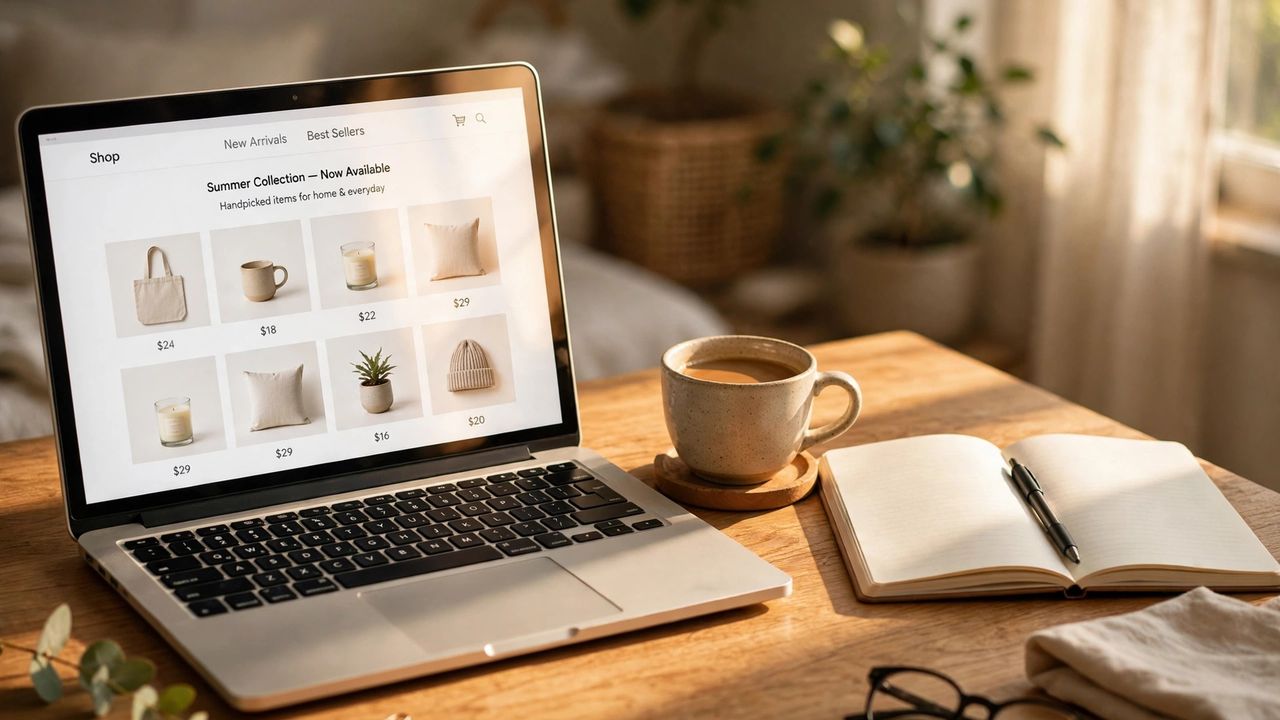
Where to Sell: Gumroad, Etsy, Payhip, or Your Own Site
Now you need a place to sell. Each option has good points and weak points, so let me explain them honestly and simply.
Gumroad is one of the easiest places to start. You upload your file, set a price, and share your link. Gumroad handles the payment and sends the file to the buyer. It takes a fee from each sale, but you can open your shop in minutes, which is perfect for a first product.
Etsy is a huge marketplace, famous for printables, planners, and designs. Its big gift is visitors — millions of people already shop there, so buyers can find you through Etsy’s own search. The weak points are listing fees and lots of competition, so your title, pictures, and price must be good.
Payhip is a smaller, friendly option. It lets you sell downloads and even build a simple free store page. Its starting fee is lower than some others, which helps when your sales are still small.
Your own site gives you the most control. You keep your customer list, you choose the design, and no marketplace can change the rules on you. The hard part is traffic — nobody visits a new site until you bring people there yourself. Tools like Systeme.io let you build pages and sell products in one place; my Systeme.io review explains how it works.
My honest advice for a beginner: start on one marketplace so buyers can find you, and build your own simple site slowly in the background. You do not need to choose forever — you need to start somewhere this week.
Simple Pricing Rules for Your First Product
Pricing scares many beginners, so keep it simple with these rules.
- Look at the market first. Price close to similar products. If most planners sell for $5 to $15, do not start at $60.
- Do not price too low. A $1 product looks low quality, and you need many, many sales to earn anything. Very cheap is not always smart.
- Use simple numbers. Prices like $7, $9, $15, and $19 are easy for buyers to say yes to.
- Think in simple maths. A $10 product sold 10 times is $100. A $25 product needs only 4 sales for the same $100. Small, clear maths helps you plan.
- You can raise prices later. Start fair, get your first buyers and reviews, then improve the product and the price together.
Remember, a price is not a promise of income. It is simply the number on your shop page. Your real results will depend on your product, your effort, and how many people see your page.
How to Get Your First Sales Without Ads
Ads cost money, and beginners do not need them. Your first sales usually come from free, simple actions done every day.
- Tell people in your own words. Post about your product on your social media. Explain the problem it solves, not just the price.
- Make short helpful content. Short videos, pins, and posts that teach one small tip from your product bring people to your shop page.
- Join groups and communities. Help people first. Answer questions. When it fits naturally, mention your product. Never spam links everywhere — that gets you removed and helps nobody.
- Ask your first buyers for reviews. A few honest reviews make the next buyers feel safe.
- Use the marketplace search. On Etsy especially, a clear title with the words buyers type — like “printable budget planner” — can bring free visitors every week.
- Offer a small free sample. One free page from your planner or one free checklist can show people the quality of the full product.
Be patient with this part. Most sellers get their first sale after days or weeks of small daily actions, not in the first hour. Keep going — every post and every small improvement adds up.
Common Mistakes New Sellers Make
- Building before checking. Making a product nobody searched for is the biggest time-waster. Always check the market first.
- Trying to make it perfect. Weeks of polishing delay your first sale. A clean, simple, finished product is enough to start.
- Copying another seller. Learn from others, but never copy their files or words. Make your own version, in your own style.
- Pricing with feelings. Too high scares buyers, too low kills your income. Use the market and simple maths instead.
- Giving up after one week. Many shops grow slowly at first. Quitting early is the most common reason beginners earn nothing.
- Selling on five sites at once. Start on one platform, learn it well, then expand. Focus beats spreading yourself thin.
Frequently Asked Questions
Do I need money to start selling digital products?
No. You can make your first product with free tools and open a shop on a marketplace with little or no upfront cost. Some platforms charge small listing fees, and all platforms take a percentage of each sale, so read the fee page before you choose.
How much money can I make?
There is no fixed answer, and anyone who promises you a set income is not being honest. Some sellers earn a little extra each month, and some grow much bigger over time. Your results depend on your product, your price, and how many people see it. Start with a small goal, like your first sale, and build from there.
What if someone copies my product?
It can happen online, sadly. You can report copied listings to the platform, and most marketplaces take them down. A good habit is to keep improving your product and serving your buyers well — copycats rarely do that, and loyal buyers notice the difference.
Do I need to pay tax on my sales?
In most countries, yes — money you earn from selling products counts as income. Rules are different in each country, so check your local rules early. The IRS Gig Economy Tax Center is a helpful free starting point if you are in the United States.
Which product should a total beginner make first?
Choose the simplest one that matches something you already know. A checklist or a one-page planner is often the fastest first product. You can finish it in a weekend, learn how selling works, and use that experience for a bigger product later.
How long does it take to get the first sale?
It is different for everyone. Some beginners sell in the first week, and many take a few weeks of steady posting and improving. The honest answer is that the first sale is the slowest one. After it, you understand your buyers better, and each next step gets easier.
Final Thoughts
Selling digital products is one of the friendliest ways to start earning online, because you make something once and sell it from your own home, with no stock and no shipping. Pick one small idea today, check that people already buy things like it, and make the simplest useful version this week. That one finished product is your real beginning — everything else grows from it.